
Direct answer
Private or more controlled AI matters more when teams handle confidential documents, storage regions are mandated, or audits require evidence. Public assistants remain useful for non-critical drafts. The decision depends on data class and operating model, not on the buzzword “local."
What “private AI" means here
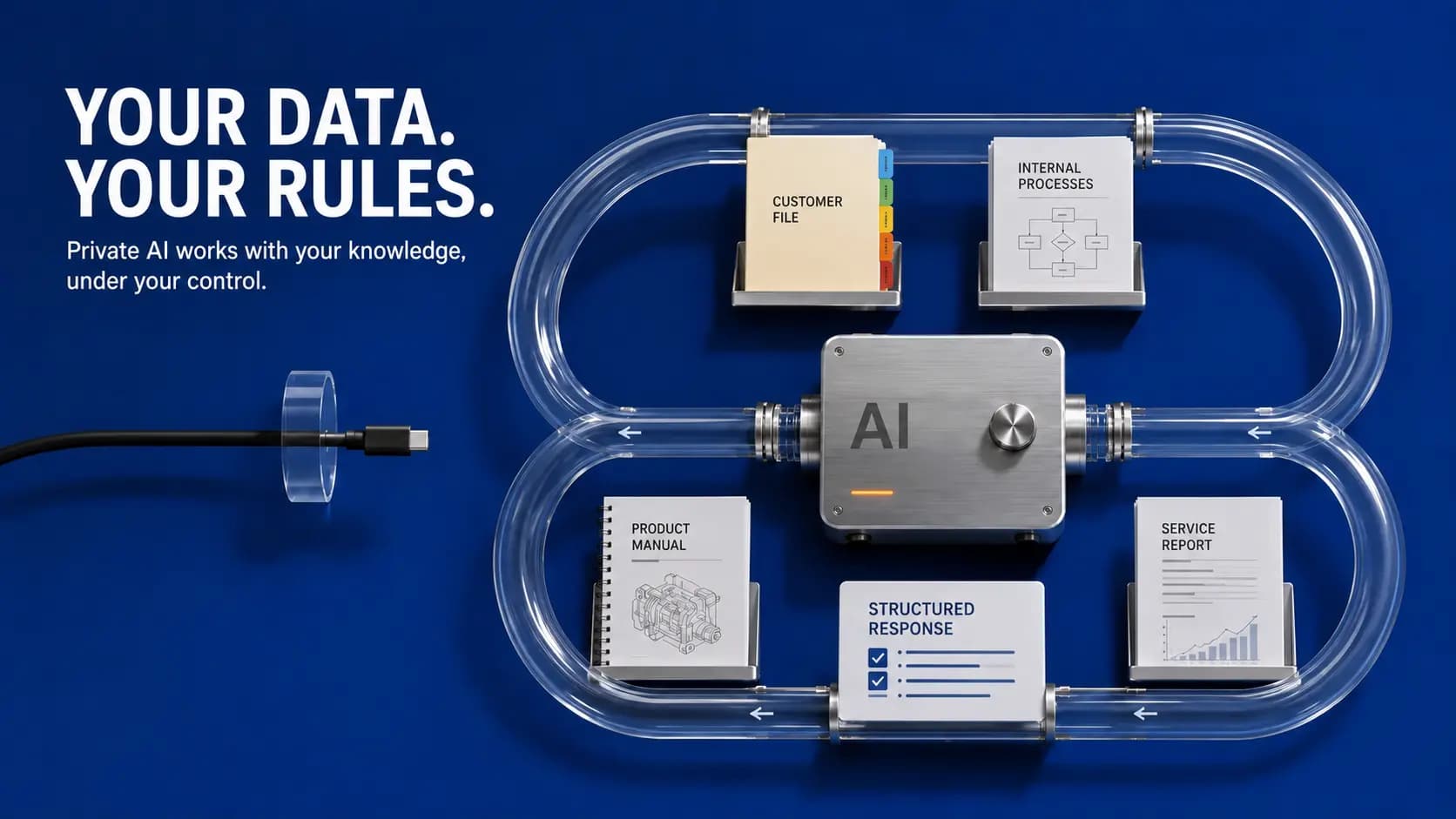
In the TechnoloHit context, this refers to setups with stronger control over models, data flow, and business use. LokalKI addresses that tension: use AI without ignoring control questions.
That does not claim every deployment is fully offline or legally final. Architecture, access, logging, and retention must be reviewed per project. “Private" describes a target state, not a finished verdict.
Data classes: when which architecture?
| Data type | Typical risk | Cloud assistant often ok? | More controlled environment |
|---|---|---|---|
| Marketing drafts without customer data | low | yes | optional |
| Internal FAQ and manuals | low to medium | often yes | when access rules apply |
| Customer contracts, proposals | high | careful | often yes |
| HR files, health data | very high | only after strict review | often required |
| Source code, security concepts | very high | only after vendor and contract review | depends on protection needs |
The table is only a starting point. The right environment depends on purpose, contract terms, technical safeguards, and the actual data classification.
When control outranks convenience
- Customer contracts, HR files, source code, strategy papers
- Industries with evidence obligations or strict retention rules
- Teams that cannot send prompt content into unclear third-party contexts
- Companies that want to control access, logging, and deletion internally
Here it matters not only where the model runs, but who sees each input, how long it is stored, and whether training or further processing is excluded.
When cloud assistants still fit
- Marketing drafts without confidential customer data
- Public research and ideation
- Processes with approved, non-sensitive inputs
Mixing is common: non-critical work in convenient tools, critical work in controlled environments. What matters is a clear team boundary, not one tool for everything.
Questions for vendors
- Where are inputs and outputs stored?
- Are data used for model training?
- Which identities and roles have access?
- How are deletion and retention handled?
- What logs exist for audits and incident response?
Without answers, “privacy-aware" is only wording. The European Data Protection Supervisor (EDPS) stresses transparency, purpose limitation, and control over processing when AI is involved.
Implementation: practical start
Step 1: Classify your three most important use cases by sensitivity, not by team excitement.
Step 2: Define which tools are allowed per class and which inputs stay off limits.
Step 3: Choose architecture and operating model. Pilot first, expand second.
Step 4: Document decisions for IT, privacy, and business owners. A one-page policy is enough to start.
Reversing that order creates expensive rework: buy the tool first, discover later that contracts or internal policy forbid the data flow.
Limits to state clearly
Controlled AI is not a free pass. It reduces uncertainty about data flow and access, but it does not replace legal review, training, or a clean process. Internal systems still need updates, backups, and clear owners.
Pre-rollout checklist
- Top three use cases are classified by sensitivity
- Allowed and forbidden inputs are known in the team
- Storage location, retention, and deletion are documented
- Access is role-based, not “everyone can use everything"
- 30-day review scheduled: usage, incidents, adjustments
Considering whether this approach fits your business? A short conversation can help us assess the process and the open questions.
View LokalKI